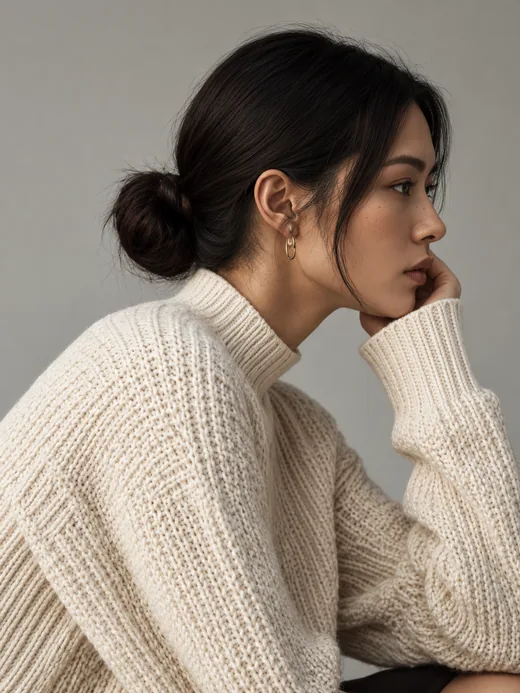
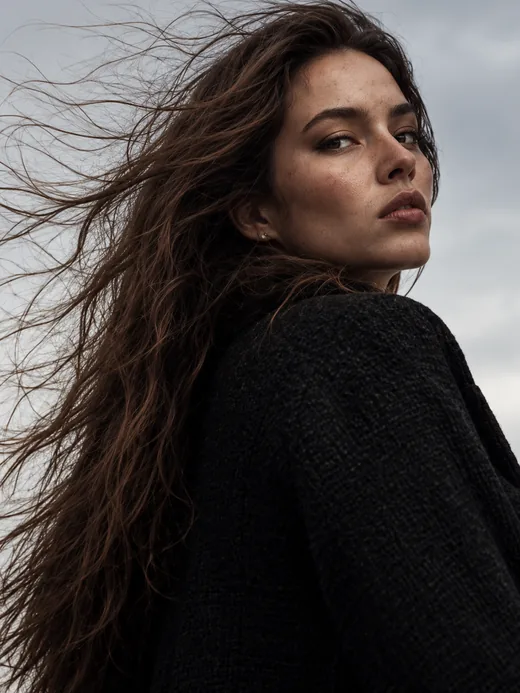
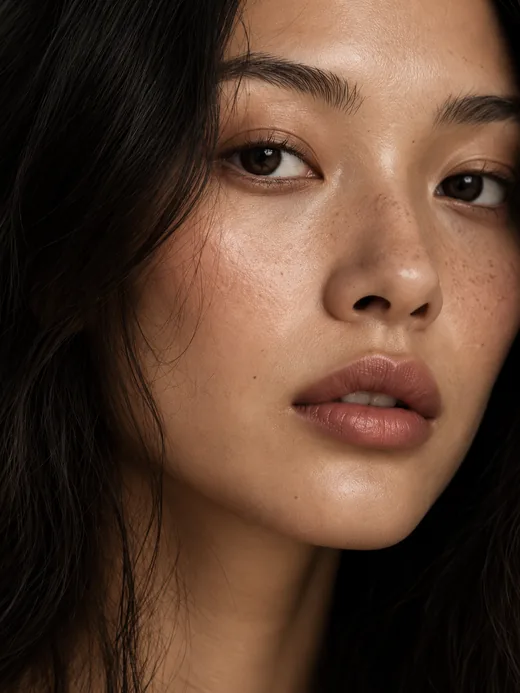
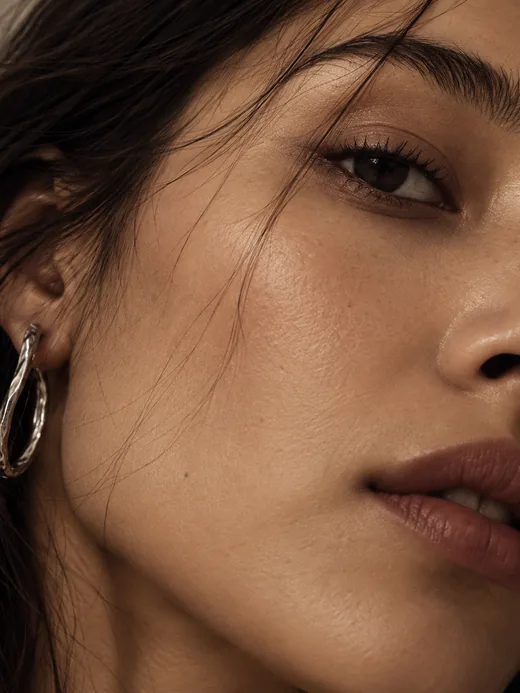
For fashion brands

The personalization layerfor fashion commerce.

AI try-on and sizing, personalized to every shopper.Scroll to explore

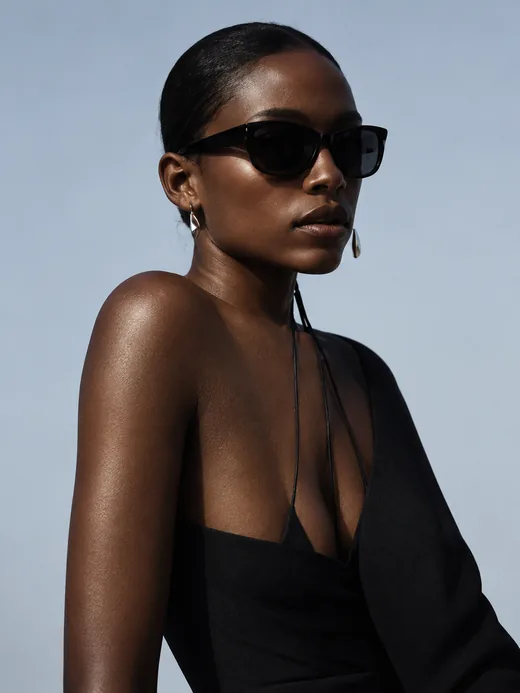
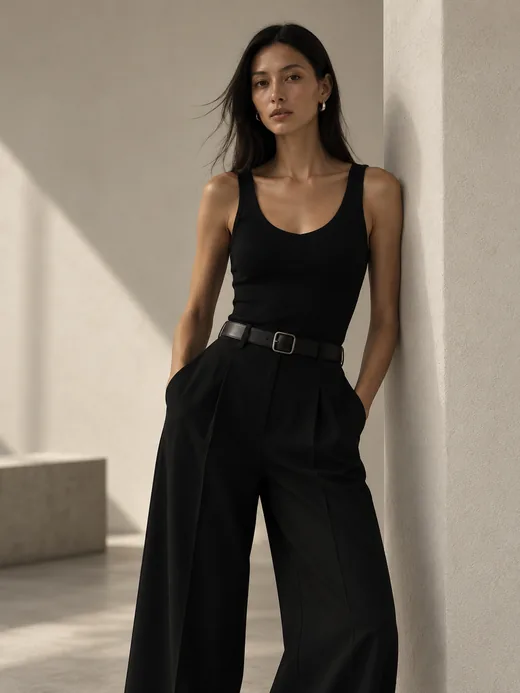
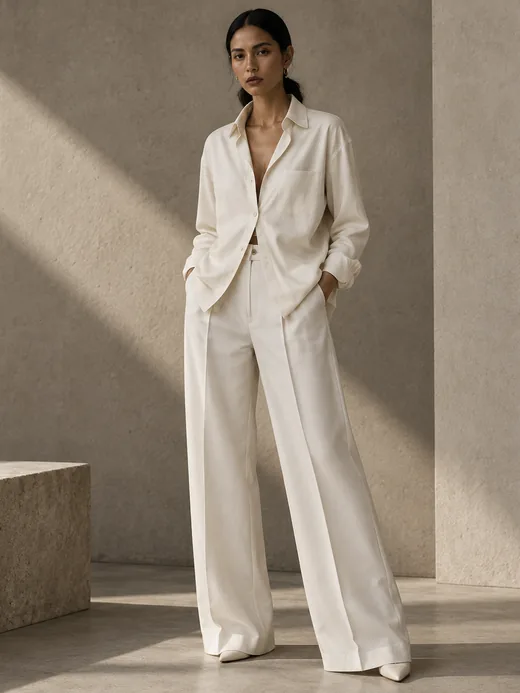
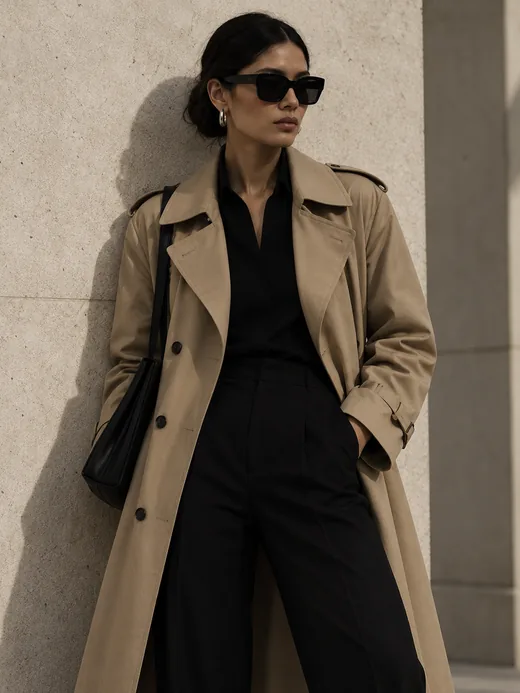
Fashion brands working with Garu

What Garu does

Try it on. Know the size.Shoot the look.

Virtual try-on, AI sizing and AI fashion content for Shopify brands.

01 · Virtual try-on

See it.

Your pieces on the shopper’s own photo, front and back.

02 · AI sizing

Size it.

A size from their measurements and your size chart.

03 · Garu Studio

Shoot it.

AI fashion models and product shots from photos you already have.

In every plan, including the free one

Try-on and sizing

Virtual try-on and AI sizing on your product page. One widget answers how it looks and which size to order.

Virtual try-on

Their photo.
Their size.
Your clothes.

Shopper photo for the blouse and trousers examplePhoto✓ Uploaded
Recommended sizeSTrue to size
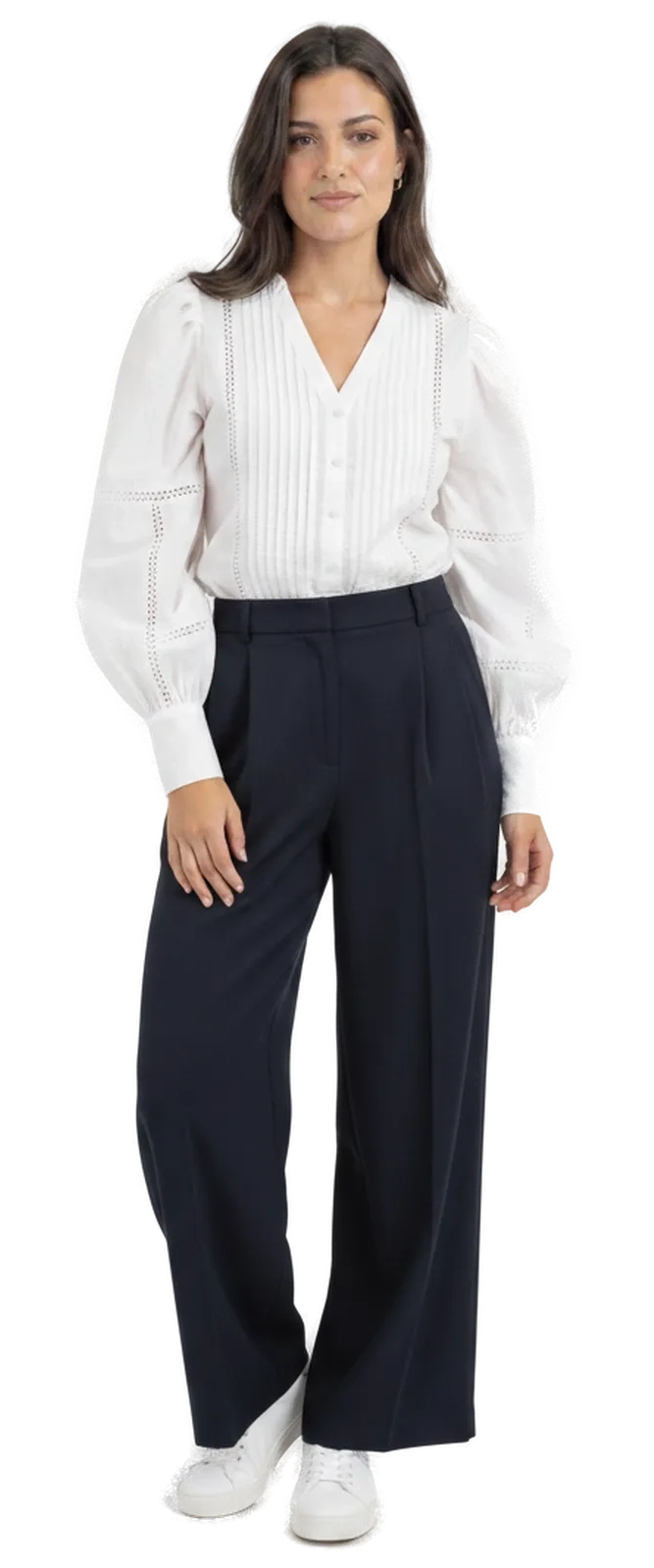
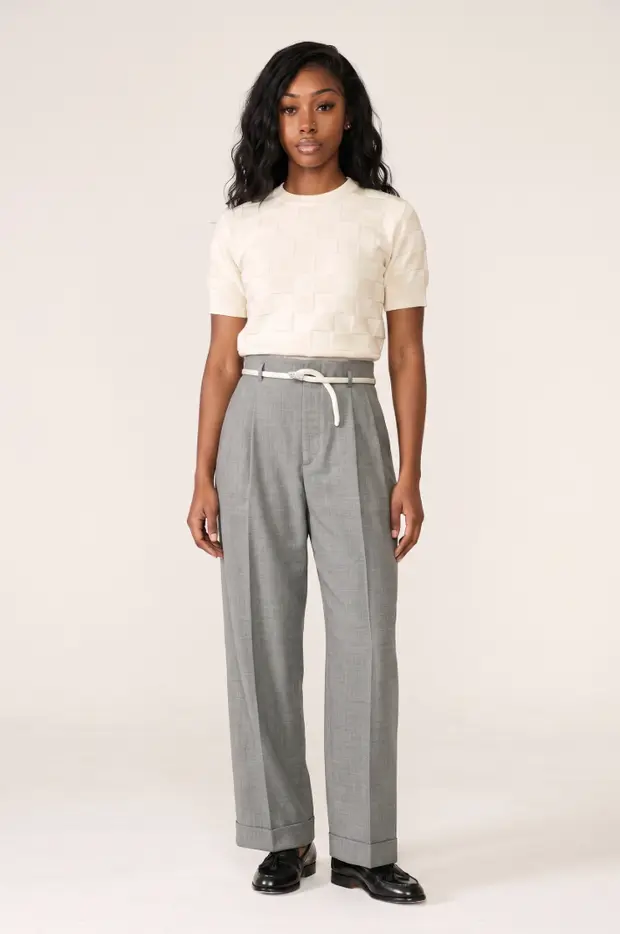
Garu try-on, front view
Front
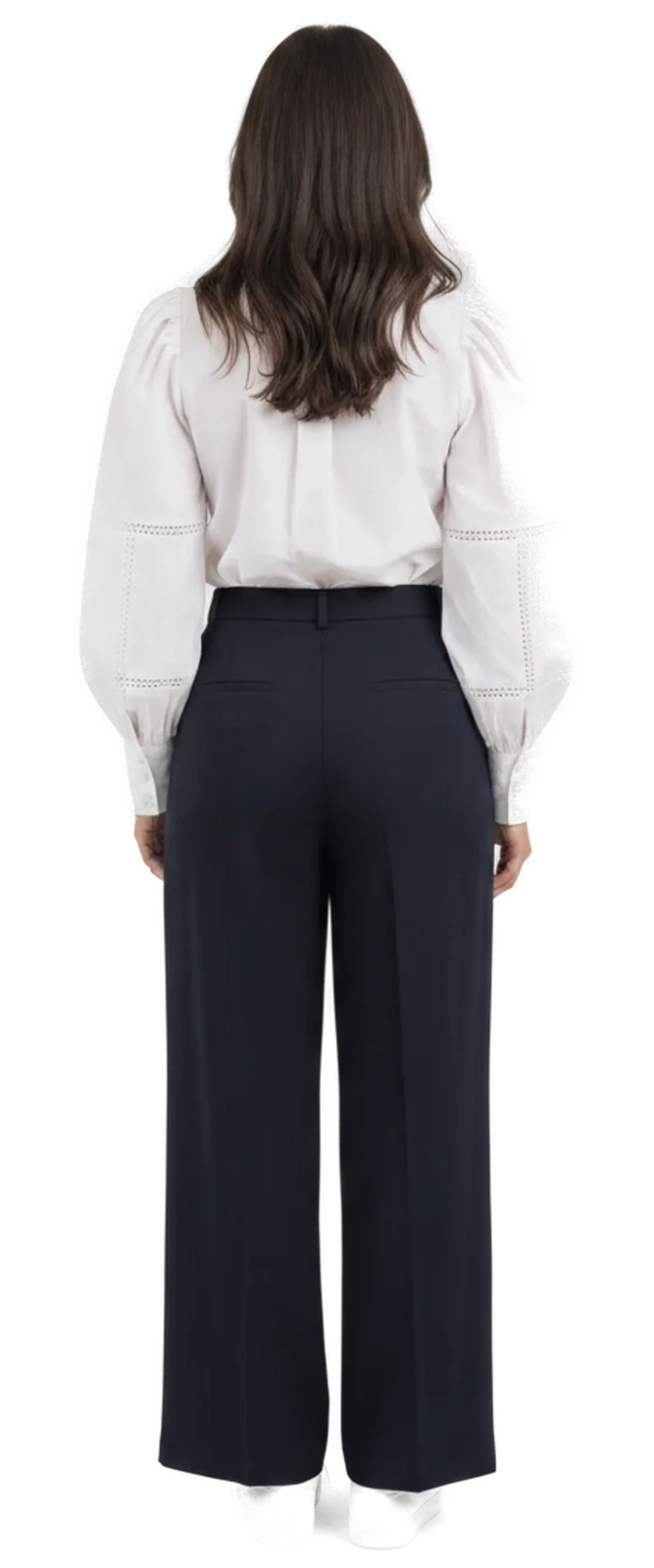
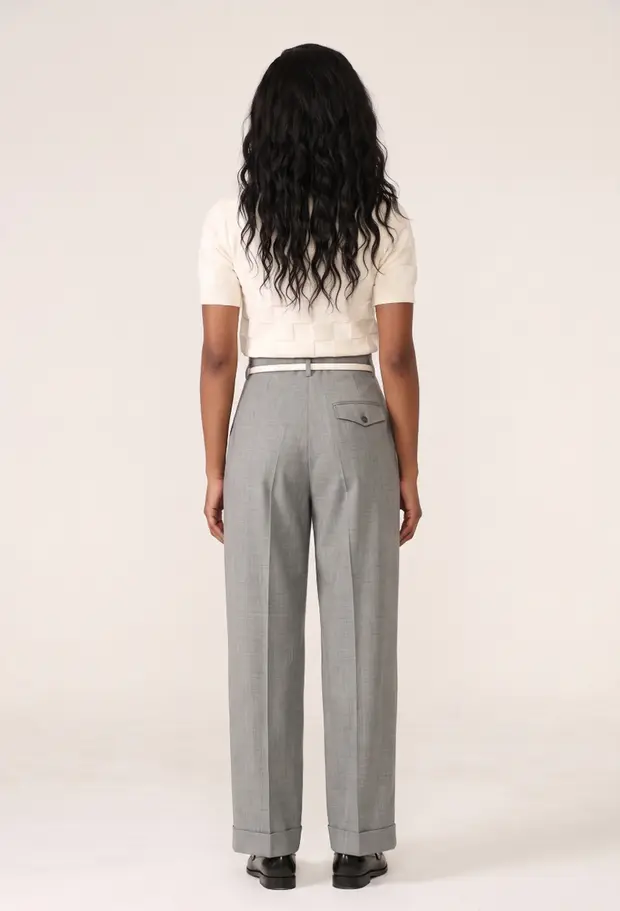
Garu try-on, back view
Back
Your pieces
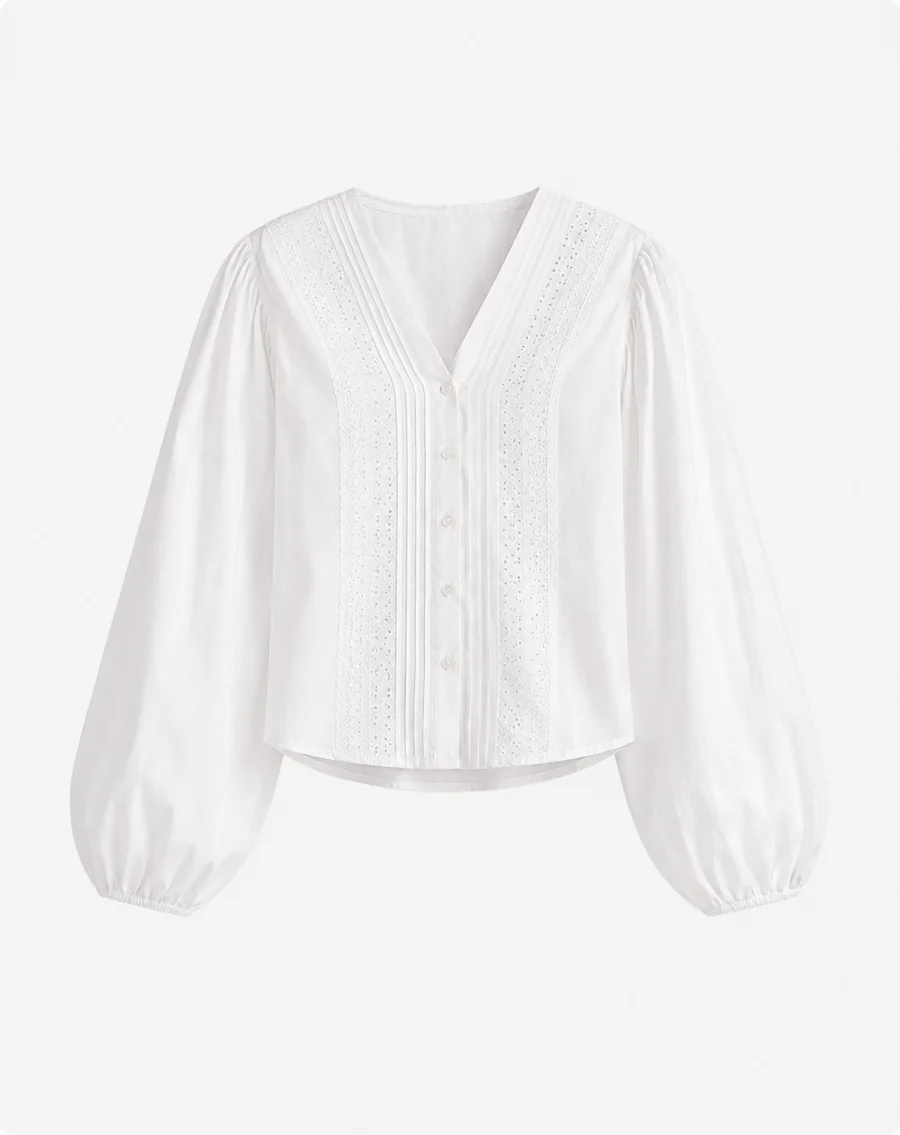
Poplin Blouse
Poplin Blouse
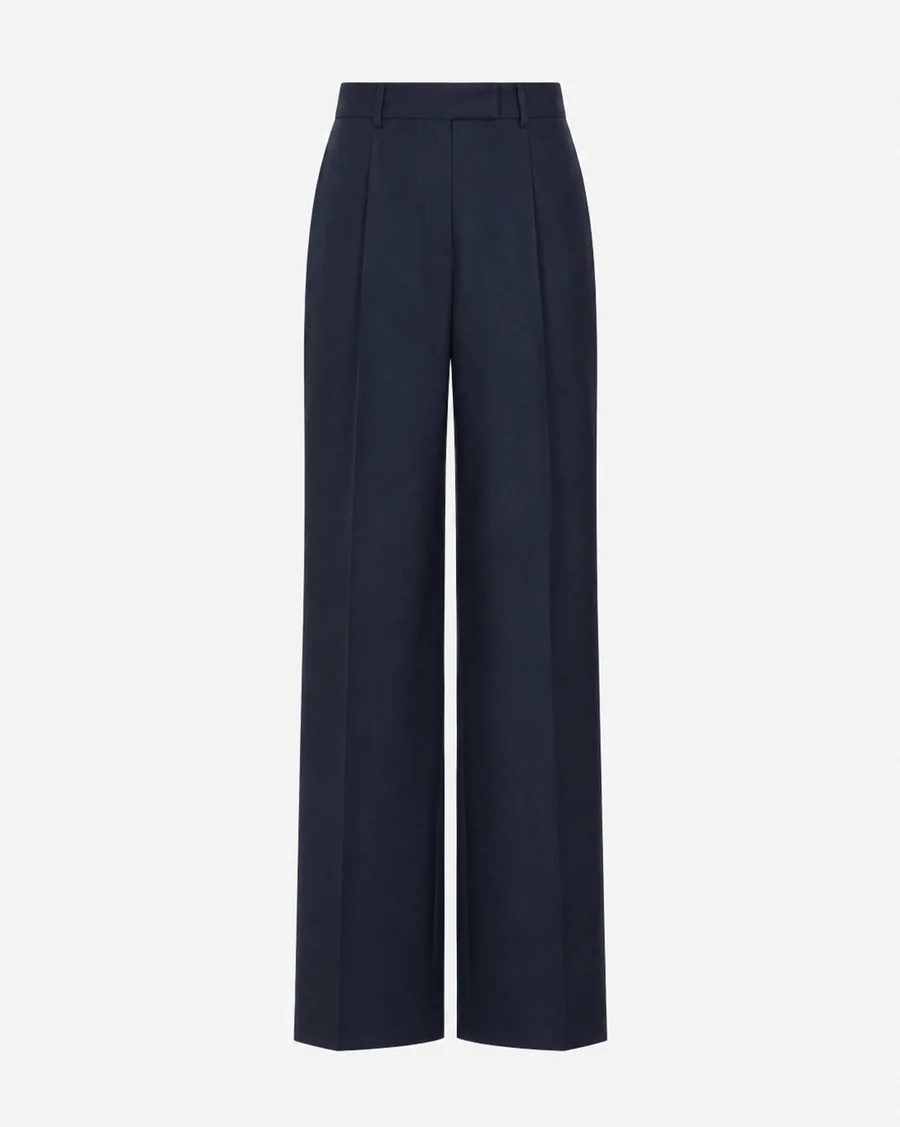
Wide-Leg Trousers
Wide-Leg Trousers
Side by sideSee the difference: a typical try-on app next to GaruCompare

Most try-ons are a flat photo swap.

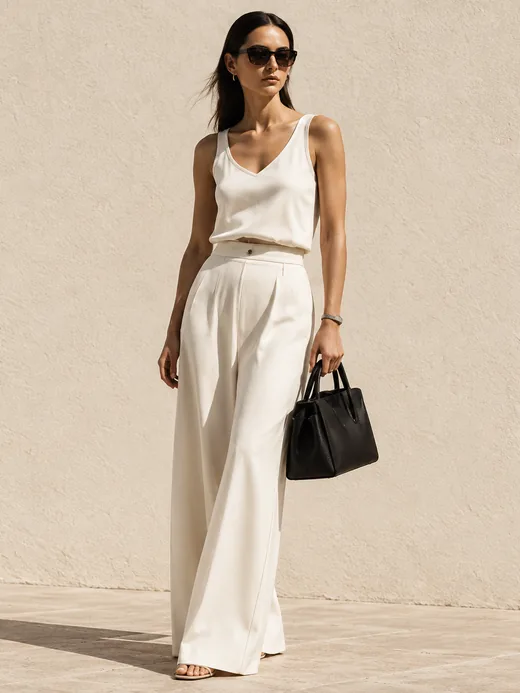
Same shopper, same trousers. The typical app pastes the product over her photo. Garu renders her wearing it.


The shopper’s photo
Her photo
The trousers
The trousers

What does she get back?

Typical try-on apps

2D swapA flat 2D swap pasted over the shopper’s photo
  • A flat picture, pasted over her photo
  • No sizing, she still guesses
  • Fabric, rise and drape drift

Garu

GaruGaru render of the shopper wearing the trousers, front
Recommended sizeUS 6True to size
Garu render, back
  • A photoreal render of her wearing it, front and back
  • A size recommendation with every look
  • Garment accuracy, fabric, rise and drape preserved
  • A body built from her height, weight and shape

AI sizing

The right size, first time.

  • Girth, not guesswork
  • Your size chart, not a generic one
  • A fit note with every size

Sizes everything you sell

TopsTrousersDressesDenimTailoringSwimFootwearBras
The live widget, captured from a real store.

An upgrade to try-on and sizing

Garu Plus

Every size of the piece on the shopper, front and back.

Garu Plus · Custom tier

See how every size fits on them.

Each size is rendered, not resized. An M and an L hang differently on the same body, so Garu renders each as its own garment. Front and back.
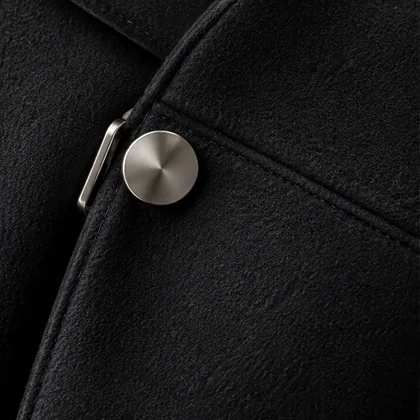
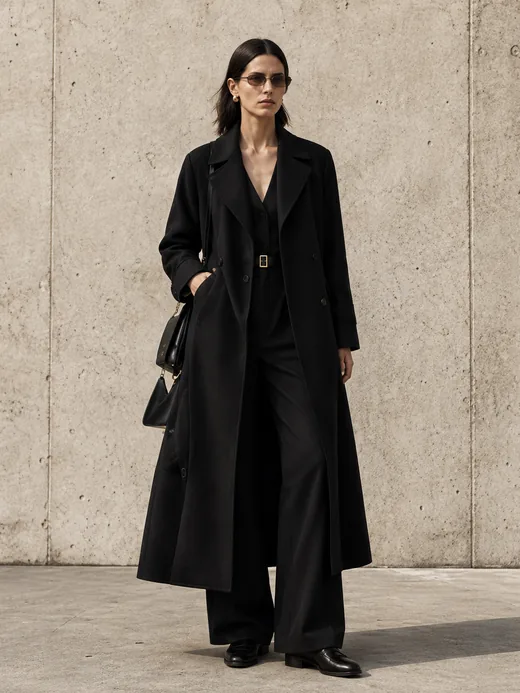
Black wool coat, a brushed-steel button on the seam

Garment accuracy

Seams, grain and hardware, kept

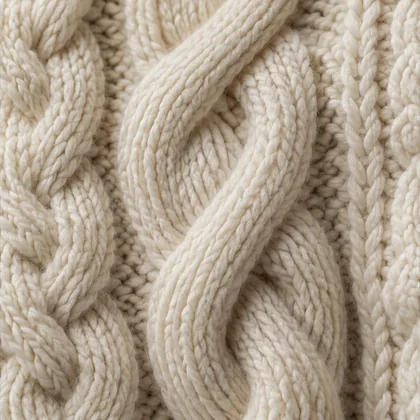
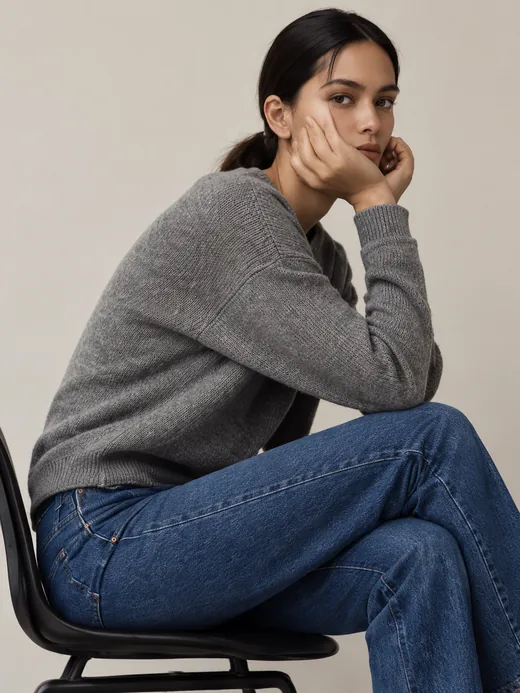
Cream cable knit, up close

Fabric

Knit, satin, leather read as themselves

Grey satin falling in folds

Drape

How it falls on this body, in this size

Our custom tier, priced on your catalogue and fit volume. See plans ↗
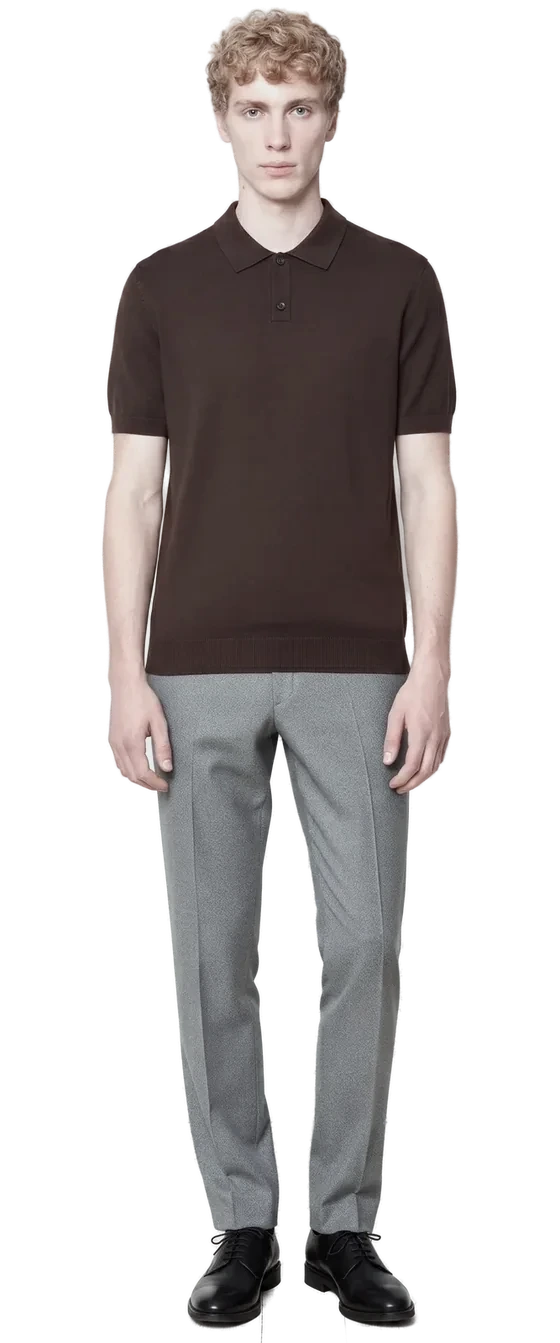
Garu Plus example in size M, front view
Front
Garu Plus example in size M, back view
Back

Recommended · true to size

Setup and control

It runs from your Shopify admin.

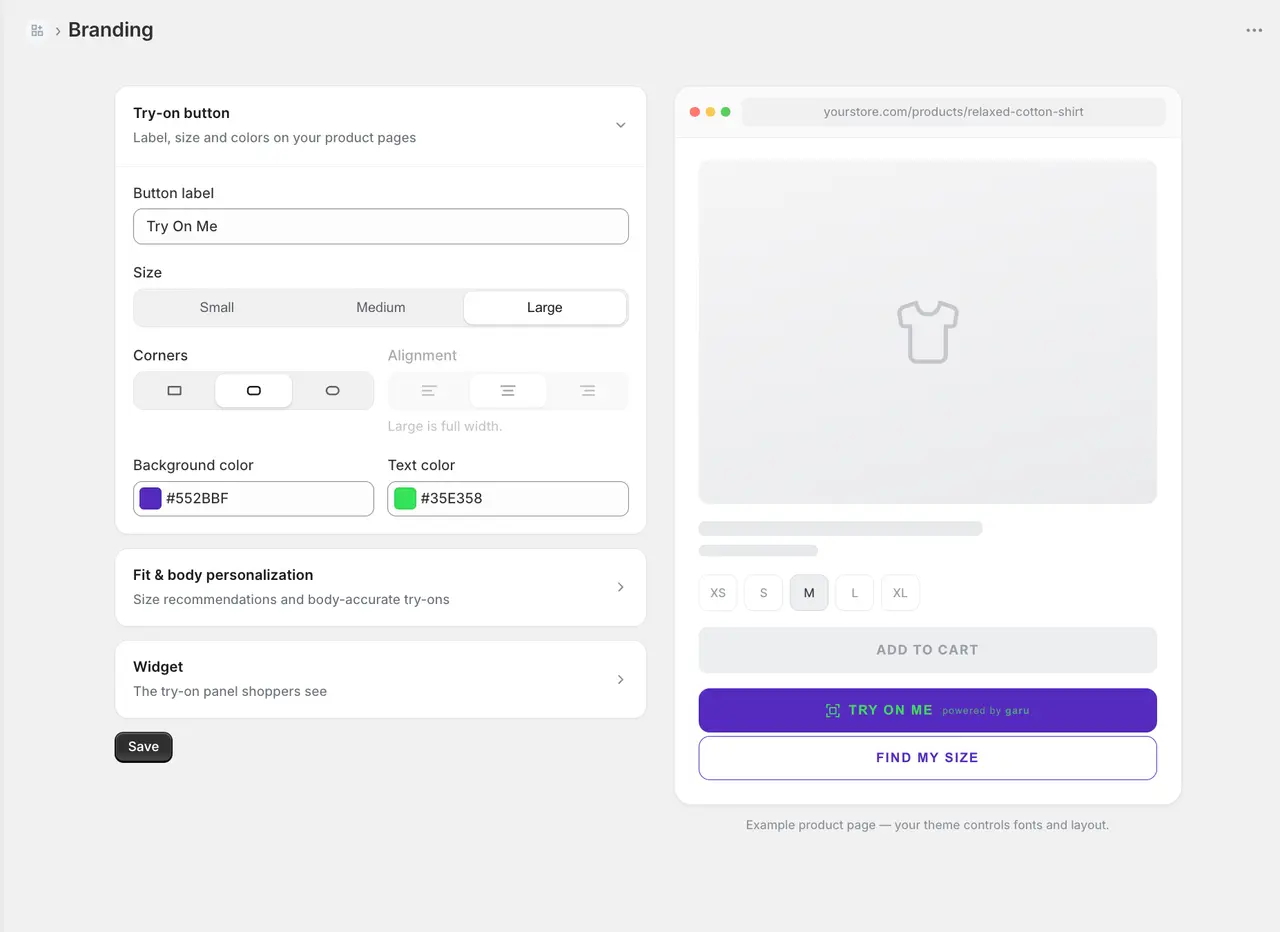
Turn it on per product, make it look like your store, see what it does.

Merchant controls
You stay in control.

  • Try-on per product or collection
  • Your button, your colours, previewed live
  • Sessions, try-ons and add-to-carts per product
Try-ons · 30 daysUp ↑
Sessions12,840
Try-ons3,216
Add-to-carts842
01102030
Most tried on
Oxford shirt486 try-ons
Wide-leg trousers352 try-ons
Cowl-neck top291 try-ons
ReturnsDown ↓
Size-related42%
Everything else58%

42% of fashion returns are size-related.

Sample data. Your own numbers live in the dashboard.
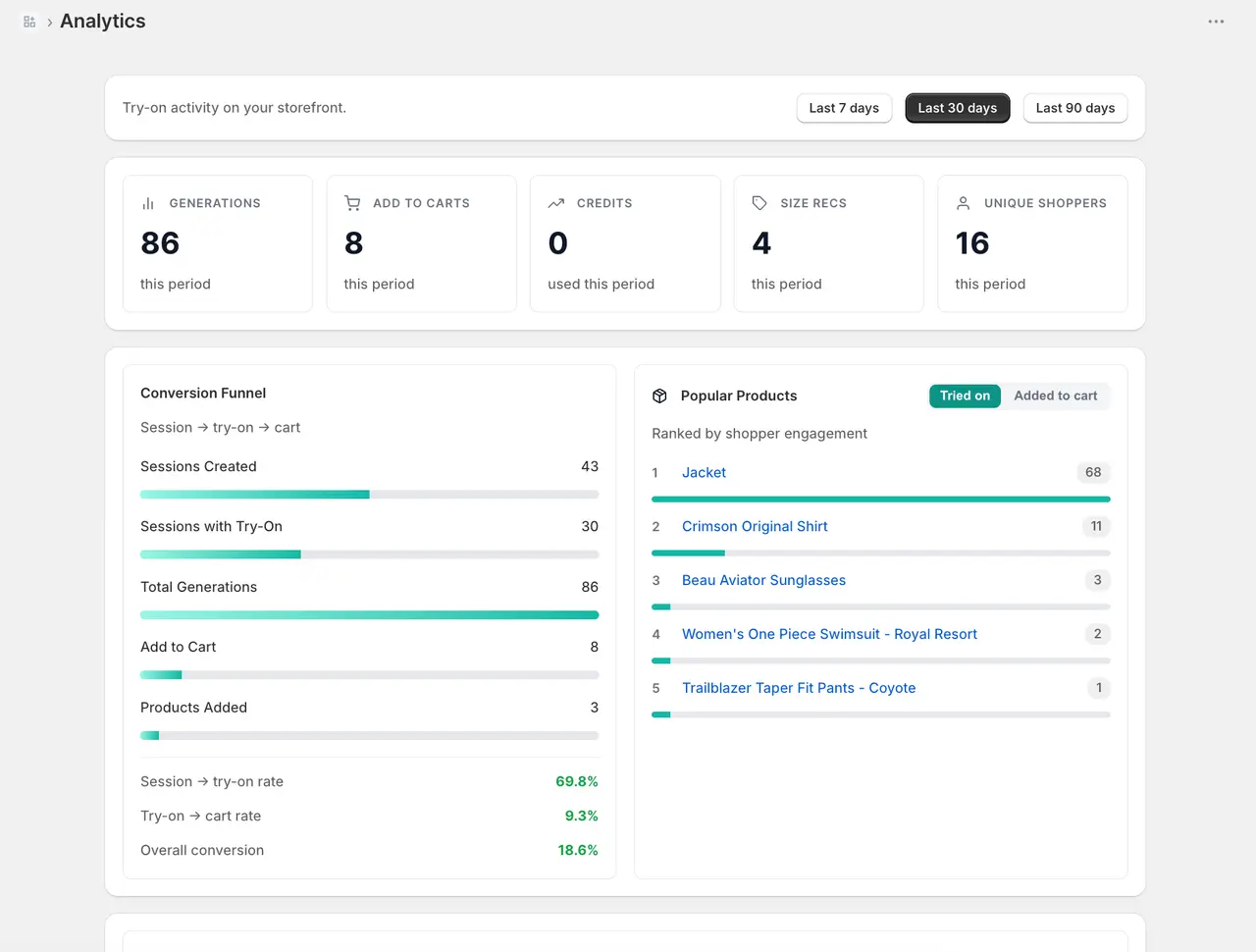
Garu analytics: sessions, try-ons and add-to-carts per productGaru branding settings with a live preview of the try-on button

A separate product

Garu Studio

AI fashion models and product shots from the photos you already have.
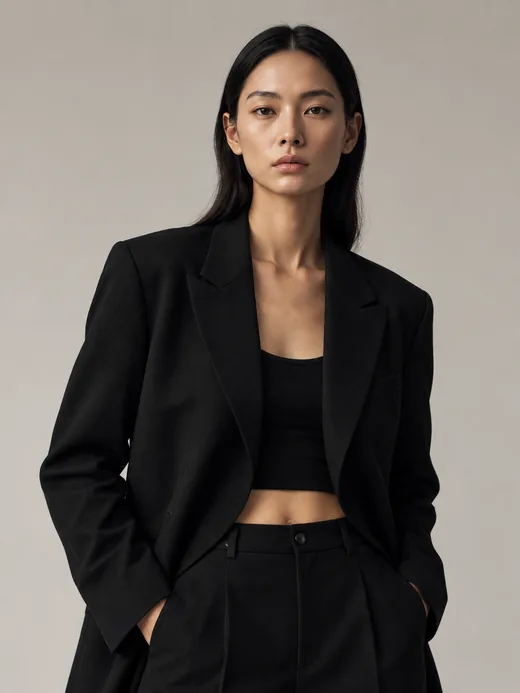
Product shots

Start with the piece.Get the campaign.

Turn existing product photography into on-model content. Pick a garment to see its Garu Studio result.
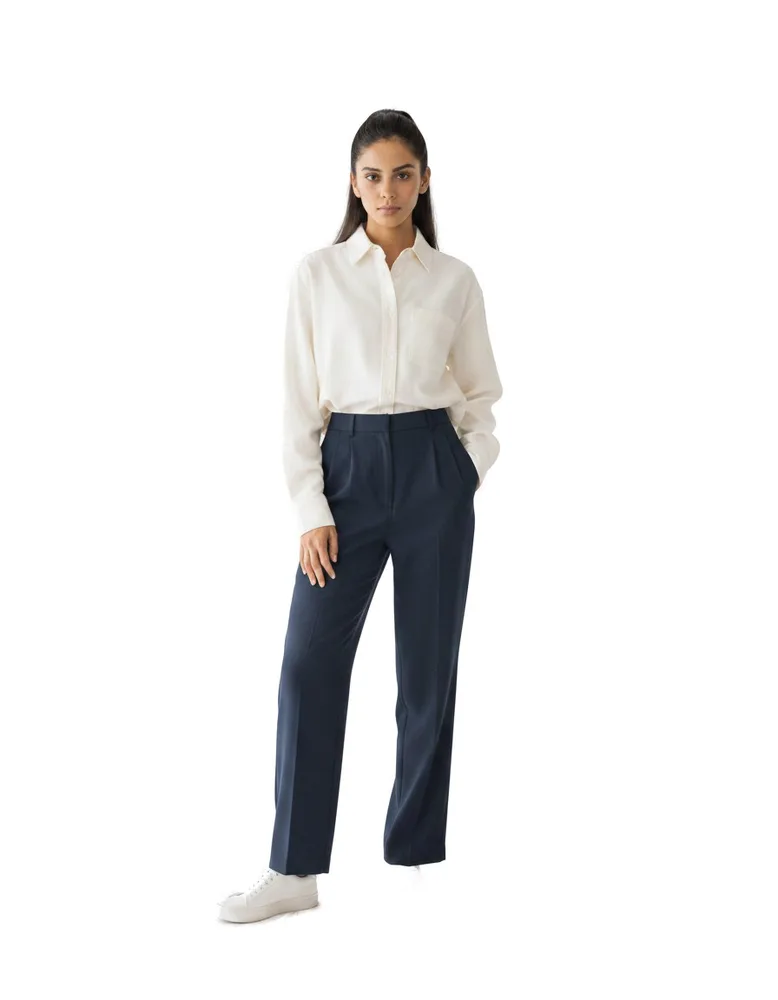
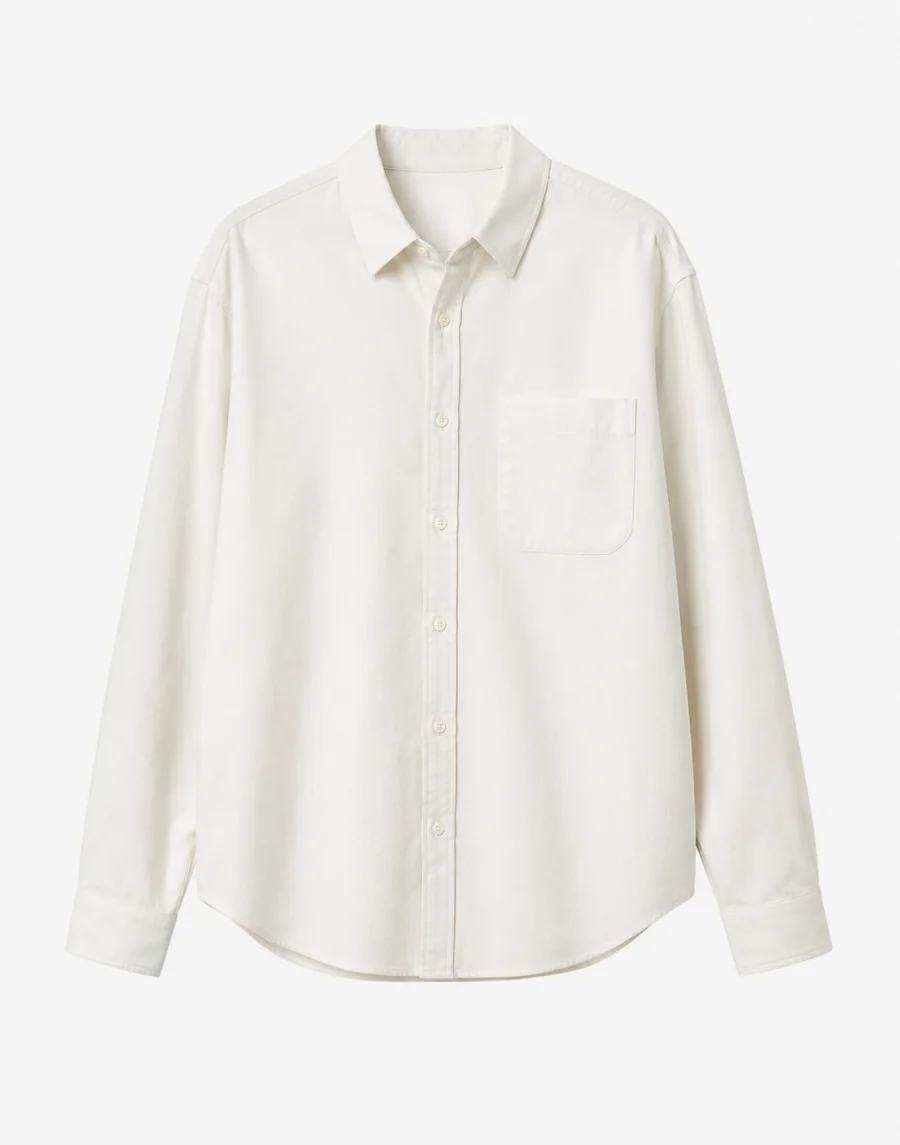
Oxford shirt product photo
Product photo
Oxford shirt on a Garu Studio model
Garu Studio

Models

+32

Background

Built by a team from Meta and Microsoft

Let them see themselvesin your next collection.

Start with your garments. Give shoppers a more personal view. See what changes in your store.